Quick Answer
tl;dr: Do not start paid advertising just because the phone is quiet. First build the free engine: referrals, real reviews, and customer proof. Once you are consistently doing roughly $10,000 to $15,000 a month, Google LSA is usually the best first paid channel if you qualify; Google Ads gives you more control at a higher cost; and Meta works best for reach and retargeting when you have visual content to support it.
If you run a home service business, you have a dozen ways to spend money trying to get the phone to ring: Google Ads, Google LSA, Facebook and Instagram, Yelp, Thumbtack, and Angi.
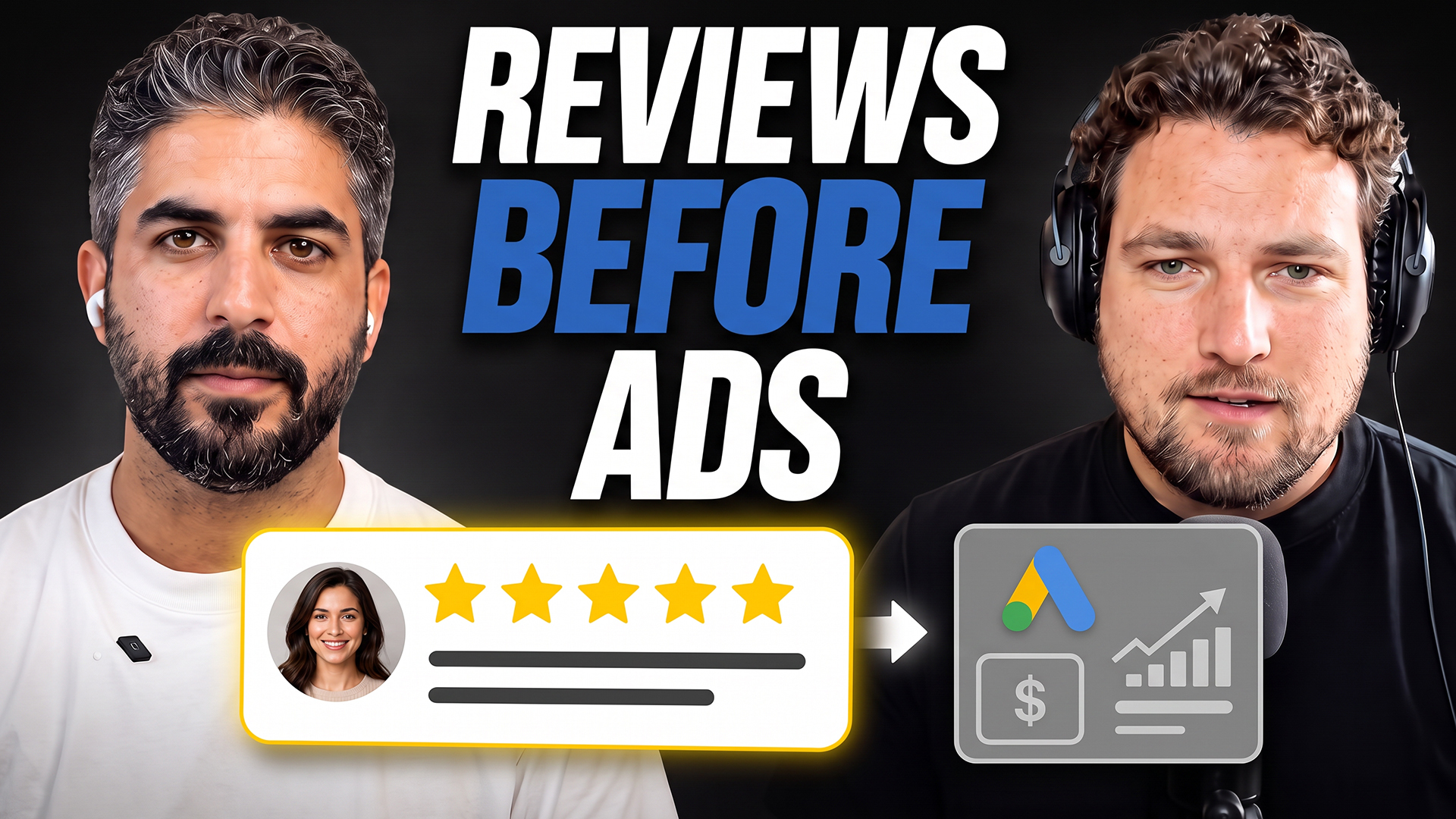
Here is the practical version of what actually works, based on a conversation with Lior Vaknin, founder of Local Service Mastery, who has spent 16 years running lead generation for service businesses.
Watch the video below for the full conversation, or keep reading for the breakdown.
Do the Free Stuff First
Here is the part most marketing content skips: if you are newer to paid advertising and still running mostly on word of mouth, do not start with ads at all.
Lior’s rule of thumb is a revenue threshold. Until you are doing roughly $10,000 to $15,000 a month, stay away from paid marketing and focus on what is free:
- Ask past customers and neighbors for referrals, with a discount if it helps build momentum.
- Ask every satisfied customer for a Google review right after the job is done.
- Record a short video testimonial while the customer is happy, if they are willing.
None of this costs money out of pocket. It costs consistency. It also compounds: reviews strengthen your Google Business Profile, and testimonial clips become the content you will need later for ads and landing pages.
“If you just stay with the basics long enough, you can grow a beautiful business,” Lior told me. “You can grow a seven-figure business if you have the vision and you are able to do this for a long period of time.”
Cross that $10,000 to $15,000-a-month mark, and that is usually when paid ads start to make sense, not before.
Where Reviews Actually Move the Needle
Every owner eventually asks where reviews should live. Google, Yelp, Thumbtack, and the Better Business Bureau each have some version of a review system, and it is easy to spread yourself thin trying to cover all of them.
Start from first principles: where are your customers actually looking? On the West Coast, for example, people may skip Google entirely and go straight to Yelp for contractors. For most local service businesses, though, Google Business Profile is the top priority. People usually search for a service on Google, or increasingly in AI tools, first; marketplace platforms simply put themselves in between.
Reviews are not a nice-to-have. A Harvard Business School study on Yelp reviews found that a one-star increase in rating led to a 5% to 9% increase in revenue for independent restaurants, with the strongest effect among businesses dependent on new customers. That pattern is especially relevant to home service calls. Automating review requests from Housecall Pro is worth doing if that is your CRM, so your team does not have to remember to ask after every job.
One more important point: the FTC’s 2024 final rule bans fake reviews and testimonials, including buying reviews or writing them yourself. Real reviews, collected consistently after real jobs, are not only safer. They are the only durable path.
Does a Website Still Matter in 2026?
Yes. If anything, it matters more now. Your website is your online storefront: the place where you control what a prospect, search engine, or AI search tool sees about your business.
That control matters because search engines and AI models use your site’s content to judge how much to trust you. A site that demonstrates real knowledge of your specific services is more likely to rank for the work that brings you business. Relying only on a Google Business Profile and social pages leaves that trust signal on the table.
Why a Smaller Business Can Outrank the Big Guys
It is easy to look at a competitor with 400, 500, or 700 five-star reviews and assume you cannot compete. You can. The reason is proximity.
Google’s own local ranking guidance lists relevance, distance, and prominence as the inputs that determine local visibility. Distance carries real weight: in a large metro, a roughly three-mile radius matters a lot; in more rural areas, that radius can stretch much farther.
If a prospect near you searches for your exact service and you have 10 to 20 solid five-star reviews plus an active Google Business Profile, you can genuinely outrank a competitor with hundreds more reviews that is farther away. Smaller and newer businesses should not assume the review-count leaders have the market locked up. Keep collecting reviews and let proximity do part of the work.
Google LSA vs. Google Ads vs. Meta Ads: What Each One Actually Does
Once you’ve hit the revenue threshold and are ready to invest, the question is where. Quick comparison first, then the details:
| Google LSA | Google Ads (PPC) | Meta Ads | |
|---|---|---|---|
| You pay for | Leads | Clicks | Clicks/leads |
| Control over spend | Low: Google decides how much of your budget it uses | High: you set the bid | High: you set the budget |
| Lead intent | High (Google vets businesses) | Highest (active searchers) | Lower (passive audience) |
| Reach ceiling | Limited to your service area’s search volume | Limited to your service area’s search volume | Much larger (100k+ within 20-40mi) |
| Best for | Getting started, if your category qualifies | Businesses with strong landing pages/funnels | Visual businesses with before/after or video content |
Google Local Services Ads (LSA)
Sometimes shown as “Google Guaranteed.” Puts you above regular ads on a pay-per-lead basis. Google vets eligibility: licensing, insurance, and background checks.
- Check eligibility first: not every category qualifies.
- If eligible, usually the best channel to start with: you pay for leads, not maybe-clicks.
- The tradeoff: Google controls weekly spend. Budget $1,000/week and you might not see it all used.
- Do this: automate replies to LSA message leads immediately. Google tracks response time.
Google Ads (PPC)
A bidding system with more control than LSA. Outbid the top spot ($25 vs. $20) and you’re there tomorrow.
- Winning the bid is half the work. Results hinge on campaign structure and landing page.
- Get it right: a $300 lead can reliably become a $3,000 job. Some businesses spend $100k+/month on that math.
- Get it wrong: you’re paying for clicks that go nowhere.
- Why it’s expensive: these are active searchers, the highest-intent leads available, which drives up competition and CPC.
Meta (Facebook and Instagram) Ads
Different game. You’re not catching someone mid-search. You’re reaching people who may not need you today.
- Reach: Google search volume for a service in a city might be a few hundred/day, with everyone bidding on the same terms. Meta reaches hundreds of thousands within 20-40 miles.
- Cost per lead looks lower, but expect more tire-kickers and accidental clicks. Once filtered, the real cost per qualified lead often lands close to Google’s.
- What works: before-and-afters, video testimonials, and a founder people can see, not a logo and a discount code.
- Do this: qualify Meta leads immediately on submission. Don’t let them sit in a spreadsheet. Same logic as AI lead-response workflows, different source.
What Should You Actually Spend?
There is no universal number. Flooring in rural Oklahoma with no real competition looks nothing like kitchen remodeling in Los Angeles. But these ranges give you a practical starting point:
| Channel | Starting budget | What you are paying for |
|---|---|---|
| Meta (Facebook/Instagram) | $20 to $40 per day | Cost per click; conversion rates commonly land between 10% and 30%, depending on the offer and ticket size |
| Google Ads (PPC) | Varies by keyword cost | Cost per click, often $50 to $100+ in competitive markets; emergency services can see 30% to 40% conversion rates |
| Google LSA | Weekly budget, such as $100 to $1,000+ per week | Cost per lead rather than click; Google controls actual spend within your cap |
Of that Meta budget, reserve a small slice, sometimes as little as $5 a day, for retargeting. The right budget is based on the lead volume you can actually handle, not an arbitrary number you heard from another contractor.
The Leads You Are Already Losing
Even a solid 20% to 25% conversion rate means roughly three out of every four ad clicks did not convert. Those are not necessarily wasted clicks. They are real people in your service area who looked at your business but did not reach out yet.
If that first ad click is your only touchpoint, you have lost them. A modest retargeting budget, again, even $5 to $10 a day, keeps your business in front of those people with testimonials, before-and-afters, and useful content. When the timing is right, whether two weeks or two years later, you are the name they recognize.
The same logic applies to leads who call or text but do not get a fast answer. AI missed-call text-back closes that gap: someone who took the time to reach out should never be the one who has to try again.
Frequently Asked Questions
How much should I spend on Google Ads for my home service business?
There is no fixed number. It depends on your trade and city, since keyword costs vary widely. In competitive markets, plan for cost per click in the $50 to $100+ range and base your budget on the lead volume you can actually handle, not an arbitrary dollar figure.
What's the difference between Google LSA and regular Google Ads?
LSA is pay-per-lead, and Google controls how your budget gets spent, while regular Google Ads is a pay-per-click bidding system you control directly. LSA also requires business vetting, including licensing, insurance, and background checks, that regular Google Ads does not.
Are Facebook (Meta) ads worth it for home service businesses?
Yes, especially if you have strong visual content such as before-and-after photos and video testimonials. Cost per click is usually lower than Google, but once you factor in lower-intent clicks, the real cost per qualified lead often ends up similar.
When should a home service business start paid advertising?
A useful benchmark is once you are consistently doing $10,000 to $15,000 a month in revenue from referrals and reviews. Below that, free channels such as reviews, referrals, and word of mouth usually offer a better return on your time.
How many Google reviews do I need to rank locally?
There is no magic number, but 10 to 20 solid five-star reviews combined with an active, complete Google Business Profile is often enough to compete, and even outrank, much larger competitors who are further from the searcher.
Why is a competitor with fewer reviews outranking me on Google?
Proximity to the searcher is one of Google's three main local ranking factors, alongside relevance and prominence. A business closer to the person searching can outrank one with far more reviews that is farther away.
Want a breakdown like this every week?
I send practical, no-hype looks at what is working for home service businesses. Join the newsletter and I’ll walk you through the next decision before you have to figure it out the hard way.