Quick Answer
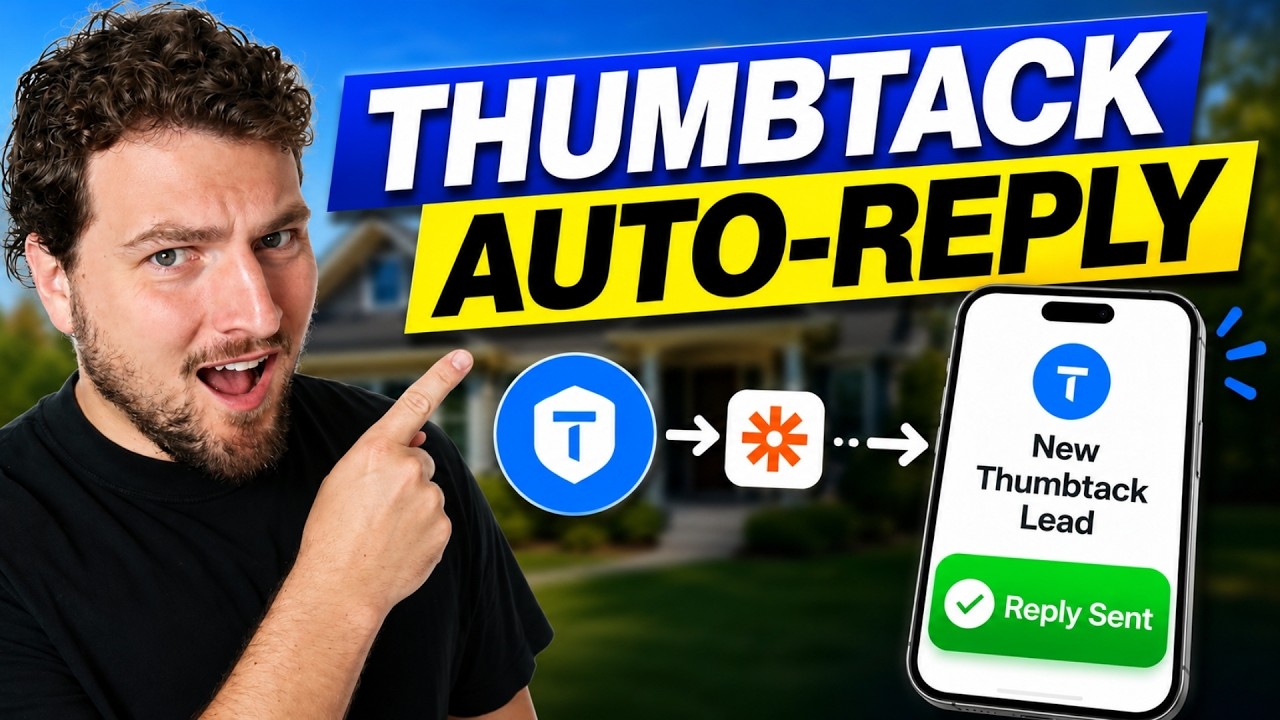
tl;dr: You can build a free Thumbtack auto-reply automation with Zapier and Twilio. Thumbtack sends a webhook the moment a new lead comes in, Zapier catches it and filters so it only fires on brand-new leads, then Zapier sends an instant text to the phone number Thumbtack gives you for that lead. It costs about $29 a month for a Zapier plan plus whatever you already pay for texting, and it’s a solid way to guarantee a first reply until you’re ready for something more advanced.
Thumbtack leads aren’t cheap, and speed is basically the whole game. Your lead is usually comparing three or four other quotes at the same time, and whoever replies first is the one who tends to win that conversation. I’ve helped a lot of home service companies set up instant reply automations for exactly this reason, and a Thumbtack auto responder is one of the simpler builds you can put together yourself.
This post walks through the exact Zapier and Twilio build, plus a couple of details that trip people up if you skip them: filtering the webhook so you’re not sending the same reply over and over, and registering your numbers with Thumbtack so the texts actually go through.
Watch the video below for the full walkthrough, or keep reading for the step-by-step build.
Why Speed Wins the Job on Thumbtack
Most customers don’t wait around, and on Thumbtack that’s especially true, since the same request usually goes out to several pros at once.
- About 78% of customers hire the first pro who responds to them.
- A lead you contact within 5 minutes is up to 100x easier to reach than one you contact 30 minutes later, and 21x more likely to enter the sales process, according to the Lead Response Management study.
- Thumbtack has said publicly that fast replies also help your ranking inside its own search results.
So this isn’t only about winning one job. A slow reply today can mean fewer leads sent your way tomorrow, since Thumbtack’s own algorithm rewards pros who respond quickly.
Thumbtack is just one channel, and the same logic applies everywhere else you get leads. If you want the same speed advantage across your whole business, this breakdown of the best AI lead response workflows for home service businesses is a good next read.
What Is a Thumbtack Auto-Reply Automation?
A Thumbtack auto-reply automation, also called a Thumbtack auto responder, is a workflow that texts every new Thumbtack lead back automatically, without anyone on your team lifting a finger. This build has three simple parts, and none of them require any coding:
- Thumbtack sends an automatic notification, called a webhook, the second a new lead comes in
- Zapier catches that notification and checks that it’s really a new lead, not just a new message
- Zapier sends a text to the phone number Thumbtack gives you for that lead, starting the conversation for you
There’s no AI involved, no new dashboard, and nothing extra for your team to check. It’s just one message that fires automatically, every single time a new lead comes in.
How to Build the Thumbtack Auto-Reply Automation
Step 1: Create a Webhook in Thumbtack
Log in to your Thumbtack Pro account, making sure you’re in your business account and not a personal homeowner account. From there:
- Go to Apps, then Manage Webhooks
- Click Create Webhook
- Thumbtack will ask where it should send lead notifications, which you’ll fill in with a Zapier-generated address in the next step
Step 2: Catch the Webhook in Zapier
In Zapier, start a new Zap and search for “Webhooks by Zapier” as your trigger app, then choose “Catch Hook” as the trigger event. One thing worth knowing up front: webhooks need a paid Zapier plan, roughly $29 a month, so it’s reasonable to run it for one month first to make sure the automation actually works before committing longer.
- Zapier generates a unique web address for you
- Copy it and paste it into Thumbtack’s webhook setup as the destination
- Choose “Lead Details” as the information type Thumbtack should send
- Run a quick test in Zapier to confirm you’re receiving a sample lead with fields like business name and job details
Step 3: Filter So You Only Reply to New Leads
Thumbtack’s webhook can notify you about new leads, new messages, and new reviews all at once. If your auto-reply fires on every message, you’ll end up sending the same canned text over and over in an ongoing conversation, and that looks broken to the customer fast.
The fix is to add a Filter step in Zapier. Set it to only continue when the event is a brand-new lead, not a message or a review. That keeps your auto-reply firing exactly once per lead, right when it actually counts.
Step 4: Send the Auto-Reply Text
Add a “Send SMS” action step using Twilio, or whatever texting tool you already use, as long as it can connect to Zapier.
- Set the “to” field to the phone number Thumbtack included with the lead
- Write a short, friendly message
- Turn on “send large messages” so nothing gets cut off
A simple starting template that works:
“Hey [First Name], thanks for reaching out to [Business Name]. We can definitely help with this. We’re five-star rated and would be glad to help. When’s a good time for us to come take a look?”
Feel free to adjust the tone to match your business. If you want more ideas on the wording of a first-reply message, this missed-call text-back template was built for a different channel, but it’s aiming at the same goal: a first reply that feels human, not robotic.
One thing to keep in mind: a text like this is a reply to someone who contacted you first, but it’s still worth keeping the message transactional (about their request, not a sales pitch) and including a way to opt out, in line with the FCC’s consumer guidance on unwanted calls and texts.
One limit worth knowing: this setup sends the same fixed message every time. If you’d rather have something that asks follow-up questions and keeps the conversation going, that’s a bigger job than Zapier can reasonably handle on its own, and it’s the exact gap a managed two-way AI responder is built to close.
Quick recap of the flow: catch the webhook, filter for new leads only, then send the text.
What You’re Actually Texting: Thumbtack’s Lead Numbers, Explained
One thing worth knowing before you go live: the phone number Thumbtack gives you for a lead isn’t the customer’s real cell number. It’s a number Thumbtack owns, and texts sent to it get routed straight into that customer’s Thumbtack inbox. So from the customer’s side, your auto-reply just shows up as a normal message inside the Thumbtack app.
If you call that same number instead, it does ring through to the customer’s real phone.
Before You Go Live, Register Your Numbers With Thumbtack
This step gets skipped a lot, and it quietly breaks the whole automation.
- Go to Settings, then Registered Phone Numbers
- Add the number your Zapier automation will be texting from (your Twilio number)
- Register any other numbers your team calls or texts leads from too
If a number isn’t registered, Thumbtack may ask for a verification code before messages go through, and that defeats the whole point of an instant auto-reply.
Thumbtack’s Native Auto-Reply vs. a DIY Zapier Build vs. a Managed AI Responder
There’s more than one way to solve this, and which one makes sense depends on how much time you have and how many leads you’re getting.
| Thumbtack Native Auto-Reply | DIY Zapier + Twilio Build | Managed AI Auto-Responder | |
|---|---|---|---|
| Cost | Free | ~$29/mo Zapier + SMS cost | Paid subscription |
| Setup time | 2 minutes | 20-30 minutes | A few minutes (no-code) |
| Message type | One fixed message | One fixed message | Dynamic, two-way AI conversation |
| Lives in | Thumbtack app only | Thumbtack inbox (via text) | Thumbtack inbox, direct API |
| Good for | Testing the waters, low volume | Pros comfortable building their own automations | Higher lead volume, hands-off qualification |
If you’d rather skip the Zapier setup entirely and get a Thumbtack auto responder that replies instantly and keeps the conversation going, that’s the direct-integration route worth a look.
The Bottom Line on Thumbtack Auto-Reply Automation
Every new Thumbtack lead comes with a short window before a competitor beats you to the reply, and a Zapier build like this one closes that window automatically, for the cost of a Zapier subscription and a few minutes of setup.
If you outgrow a single fixed message and want your auto-reply to actually hold a conversation and qualify the lead, that’s when it’s worth looking at a purpose-built automated follow-up system instead of adding more steps to a Zap.
Frequently Asked Questions
Does Thumbtack integrate with Zapier?
Not as an official, listed Zapier app. But Thumbtack supports outbound webhooks, and Zapier's "Webhooks by Zapier" trigger can catch those webhooks. That's what makes this automation possible without any formal partnership between the two.
Do I need a paid Zapier plan to build this?
Yes. Catching webhooks requires a paid Zapier plan, generally starting around $29 a month. It's reasonable to run it for one month to confirm the automation works before deciding whether to keep it.
Why do I need to register my phone number with Thumbtack?
Thumbtack wants to know which numbers you'll use to contact leads. If a number isn't registered under Settings, then Registered Phone Numbers, Thumbtack may ask for a verification code, which blocks an automated reply from going through cleanly.
What's the difference between Thumbtack's built-in auto-reply and this Zapier automation?
Thumbtack's native auto-reply is a free, in-app message anyone can turn on in about two minutes. The Zapier version does the same basic job but routes through your own texting system, and gives you more control over exactly what triggers it, like limiting it to brand-new leads only.
Can I use AI to write dynamic replies instead of one fixed message?
Yes, that's possible to build, but it's a bigger project than a single-message Zapier automation. Tools built specifically for two-way AI conversations on Thumbtack are generally a better fit for that than stacking more steps onto a Zap.
Does responding faster actually help win more Thumbtack jobs?
Yes. About 78% of customers hire the first pro who responds, and Thumbtack has said fast replies also help a pro's visibility in future customer searches. The benefit adds up beyond any single lead.
Want more practical automations like this?
If you found this useful, this is exactly the kind of thing I break down every week: practical builds for the lead sources you're already paying for. Join the newsletter and I'll walk you through the next one.